
لصورك التي تحفظها في صندوق
أعِد الأشخاص في صورك إلى الحياة.
ارفع الصورة التي تؤجّل إصلاحها منذ سنوات. نُصلح الخدوش، ونُوضّح الوجوه، ونُعيد الألوان، والإصلاح مجاني.
ارفع صورتك، ونستعيدها لك مجاناً.
ابدأ: اختر صورةارفع صورك واستعدها مجاناً · النسخة المجانية تحمل علامتنا المائية · شاهد المزيد من الأمثلة
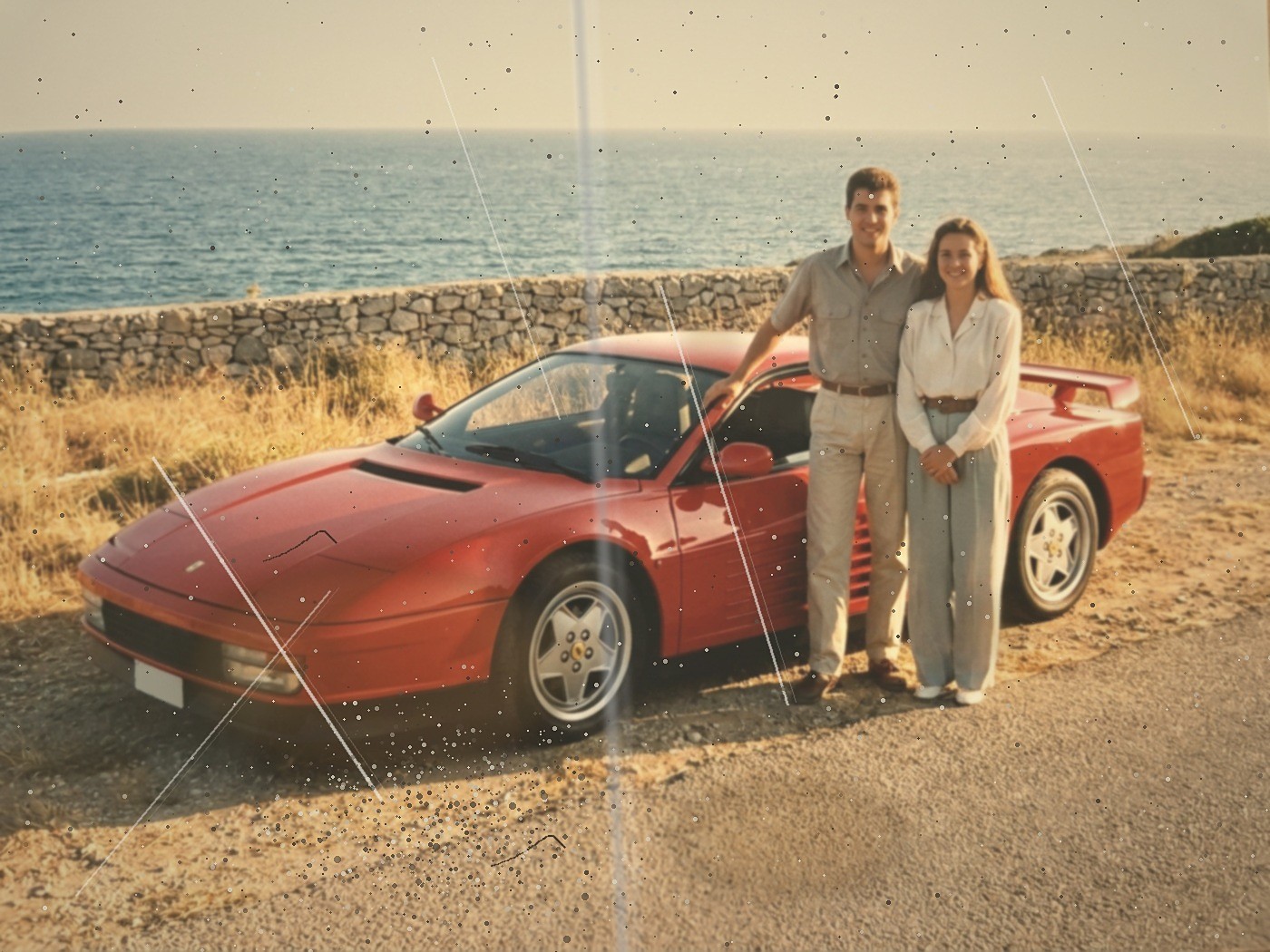
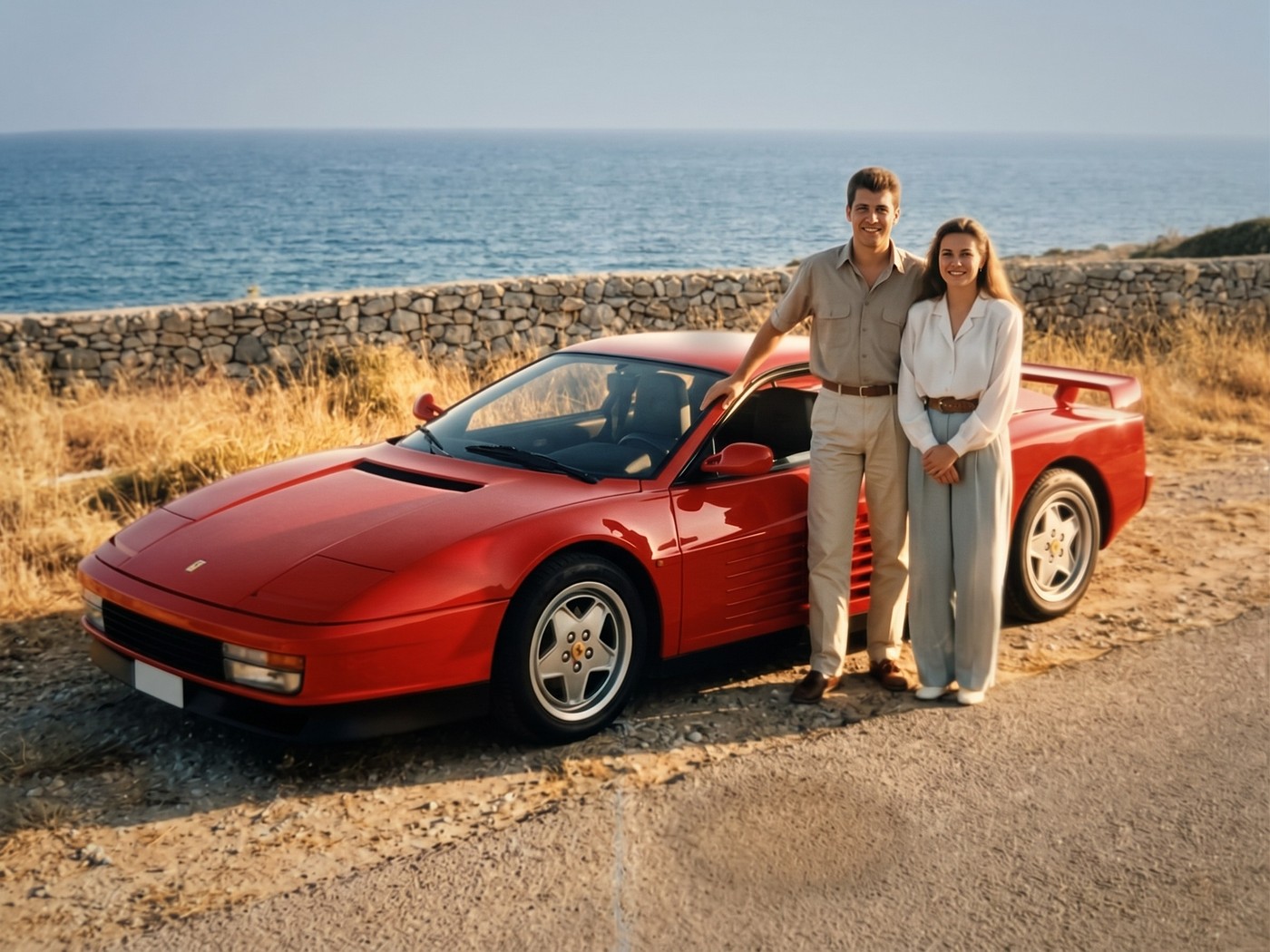 اسحب للمقارنة
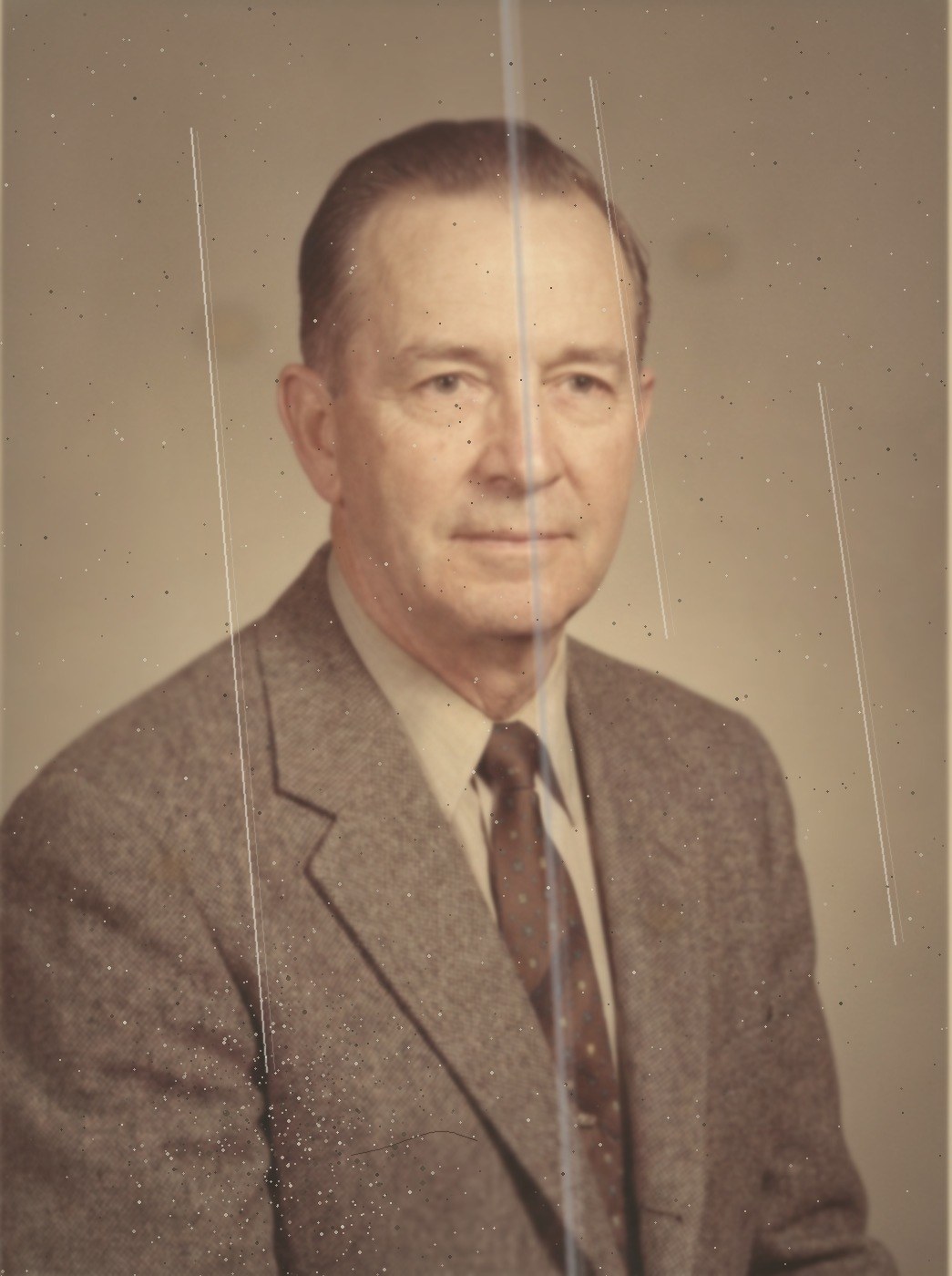
- بقع بنية
- أثر ماء
- غبار وتنقيط
- خدش
- إصلاح مجاني بلا حدود
- بدون اشتراك
- لا تُستخدم لتدريب الذكاء الاصطناعي
- تُحذف بعد 60 يوماً
- الصور لا تنتهي صلاحيتها
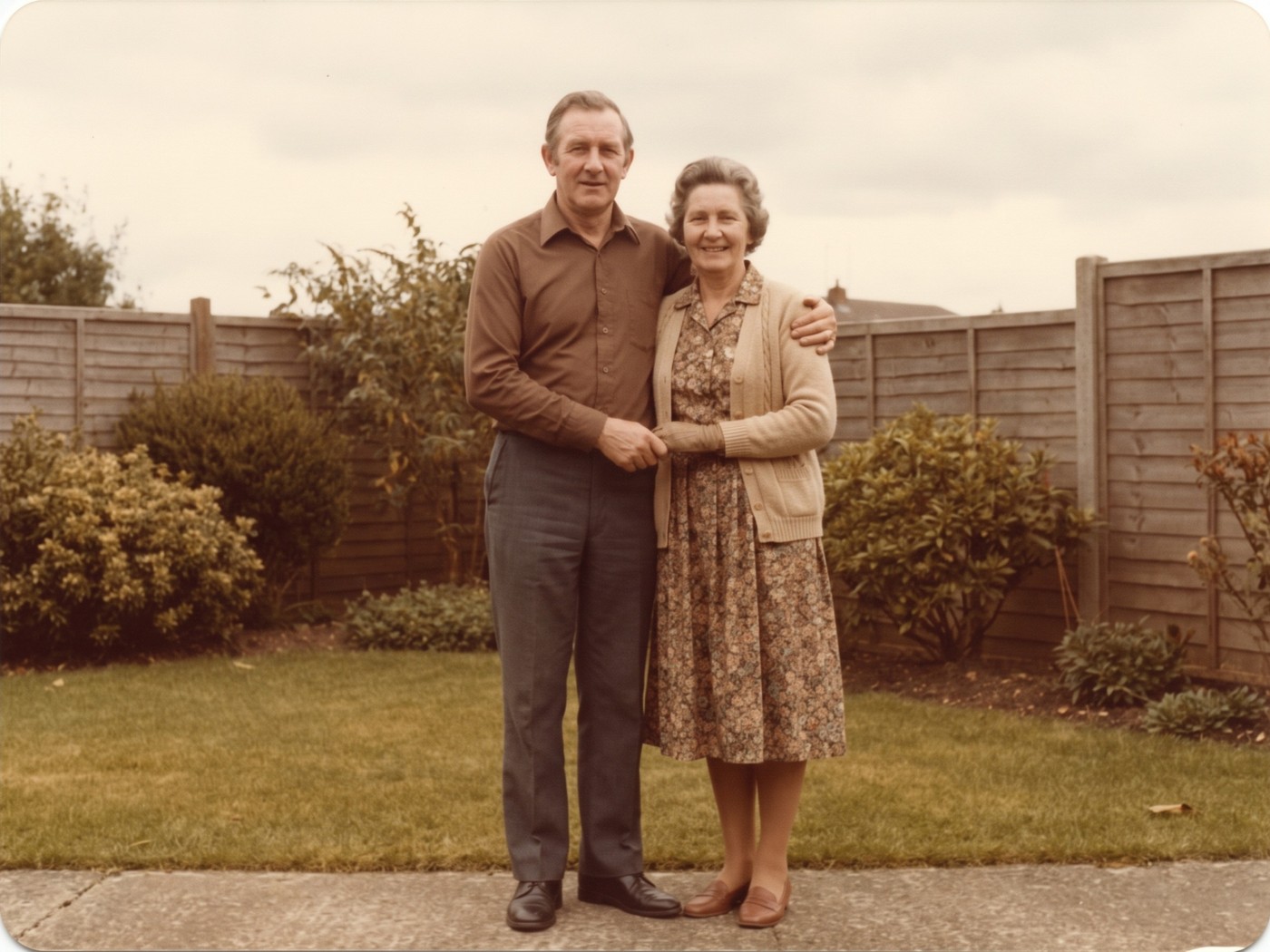
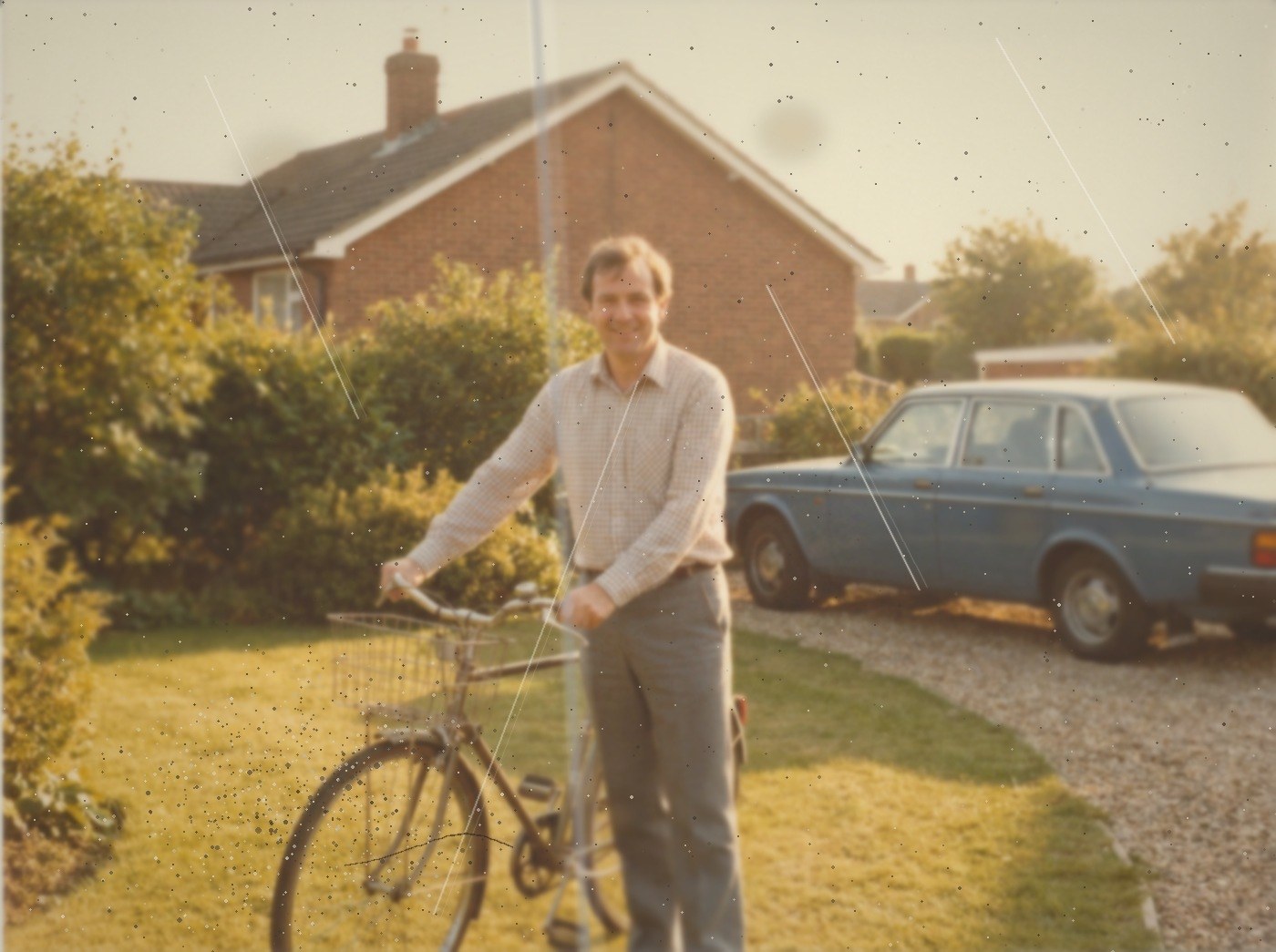
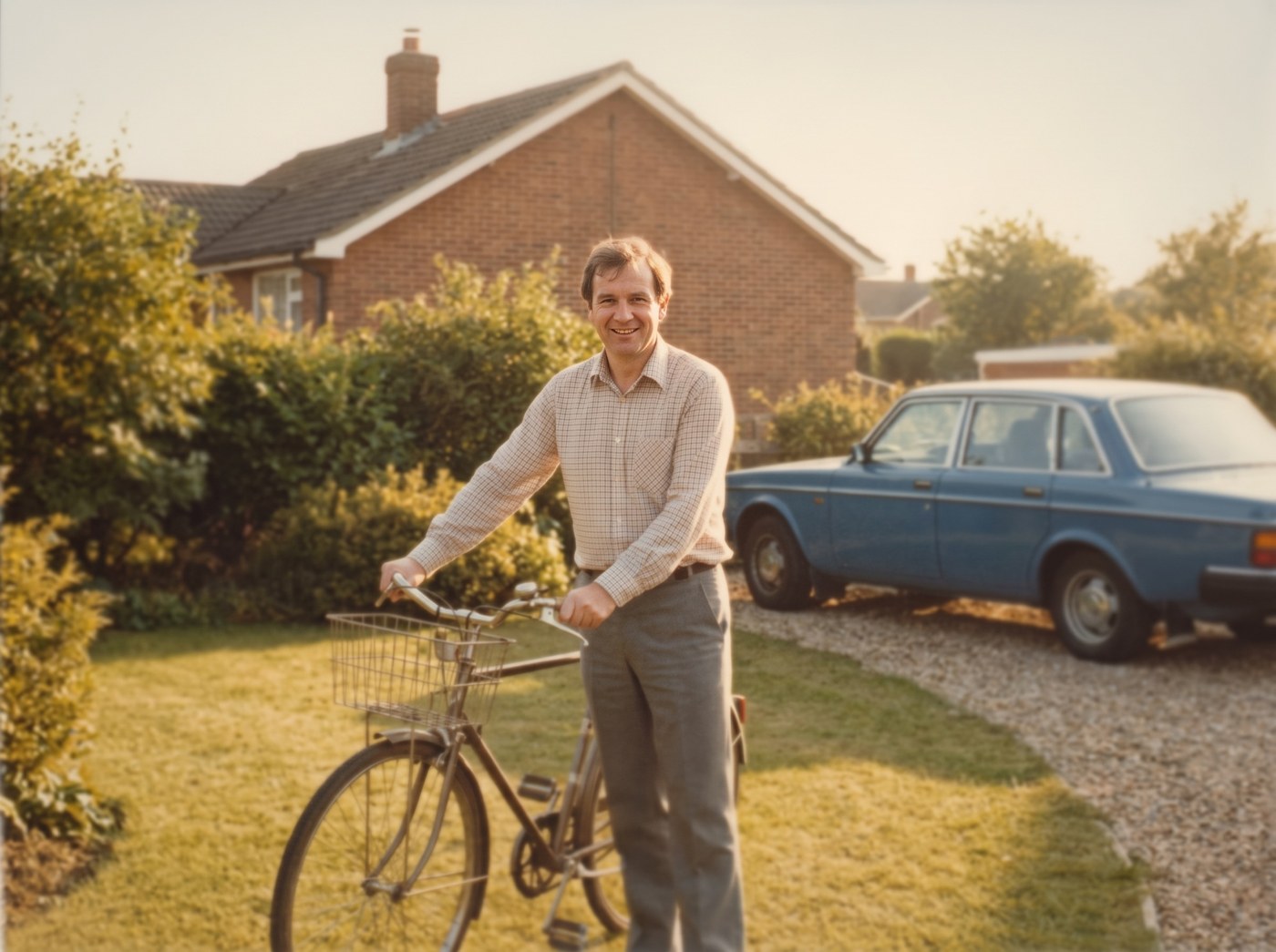
كل نقطة موضّحة هنا عيب موجود فعلاً في الصورة: بقع بنية، وأثر ماء، وغبار وتنقيط، وخدش. وما تراه في الجانب المُصلَح هو الإصلاح الذي أجرته خدمتنا على الصورة، فأعاد الألوان والوضوح وذهب معه البهتان. الشخصان نفسهما، والسيارة نفسها، والصورة نفسها: نُصلح الصورة، لا الأشخاص.
شخصان في صورة واحدة
صورتان منفصلتان، لشخصين لم يلتقيا يوماً في الإطار نفسه. أرسل إلينا الصورتين وسنضمّهما في صورة واحدة، واقفين معاً.
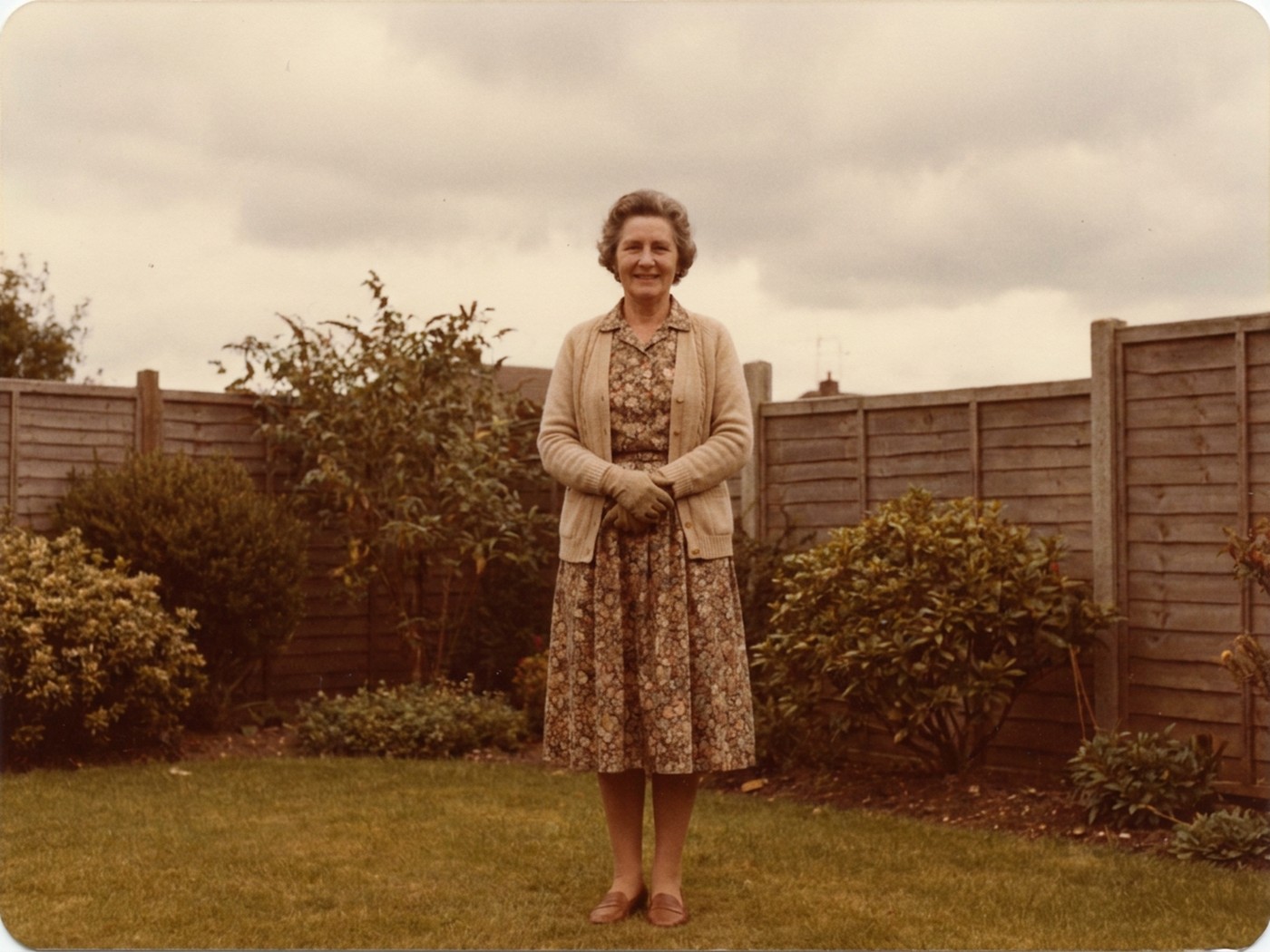
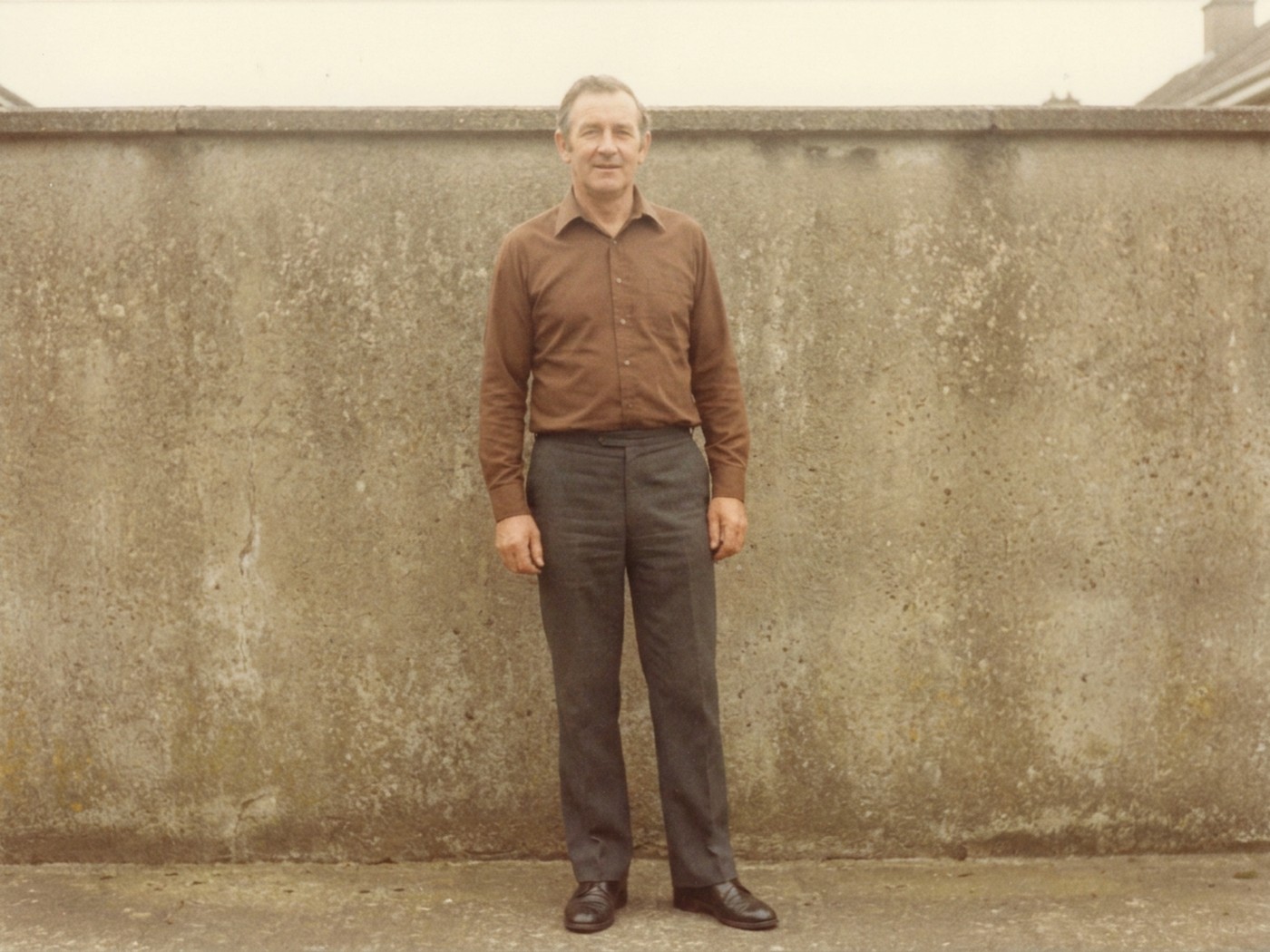
شاهد الفرق بنفسك
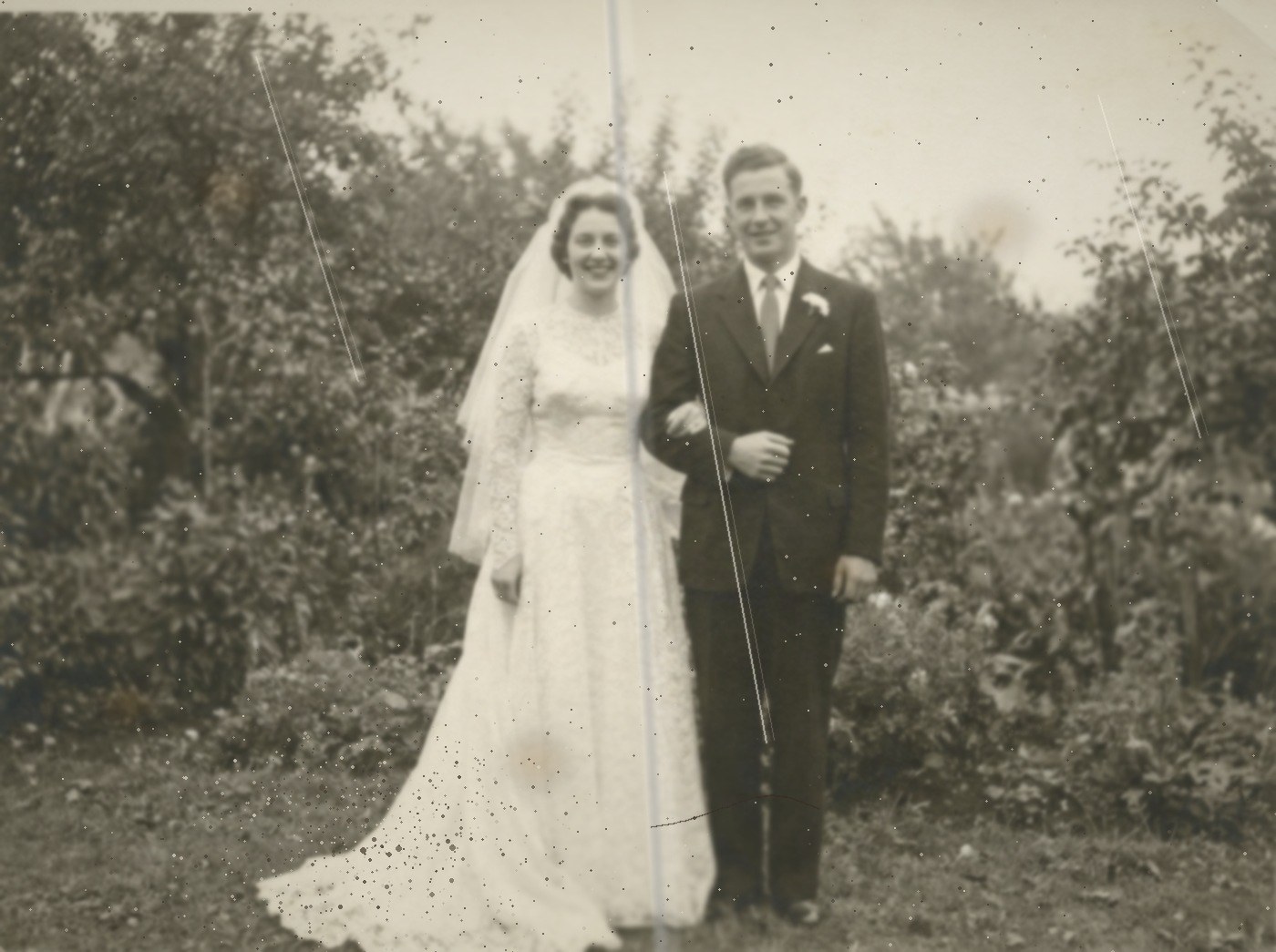
خمسة أمثلة أخرى. اسحب كل مثال، أو شاهده يتحرك وحده.
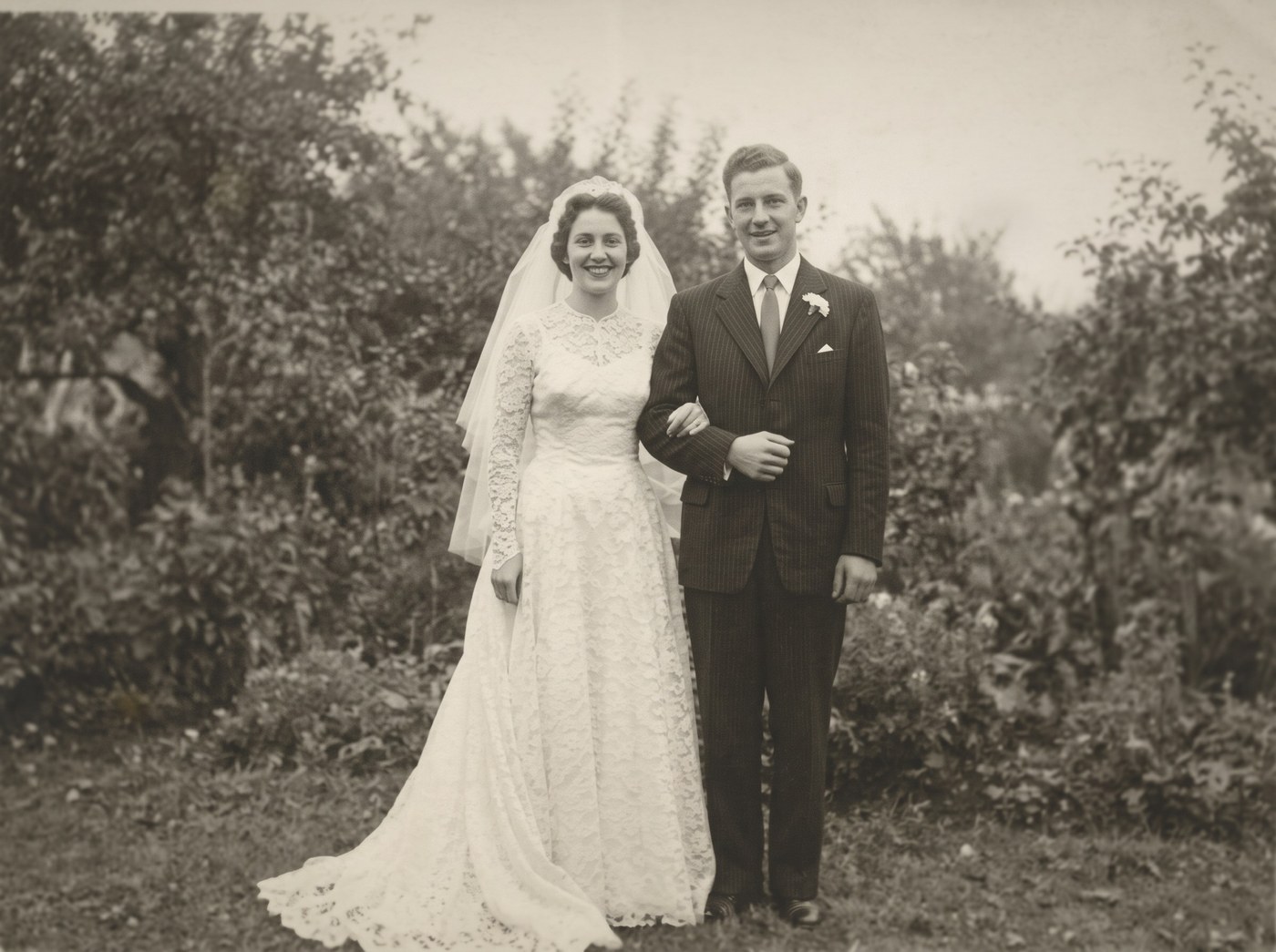
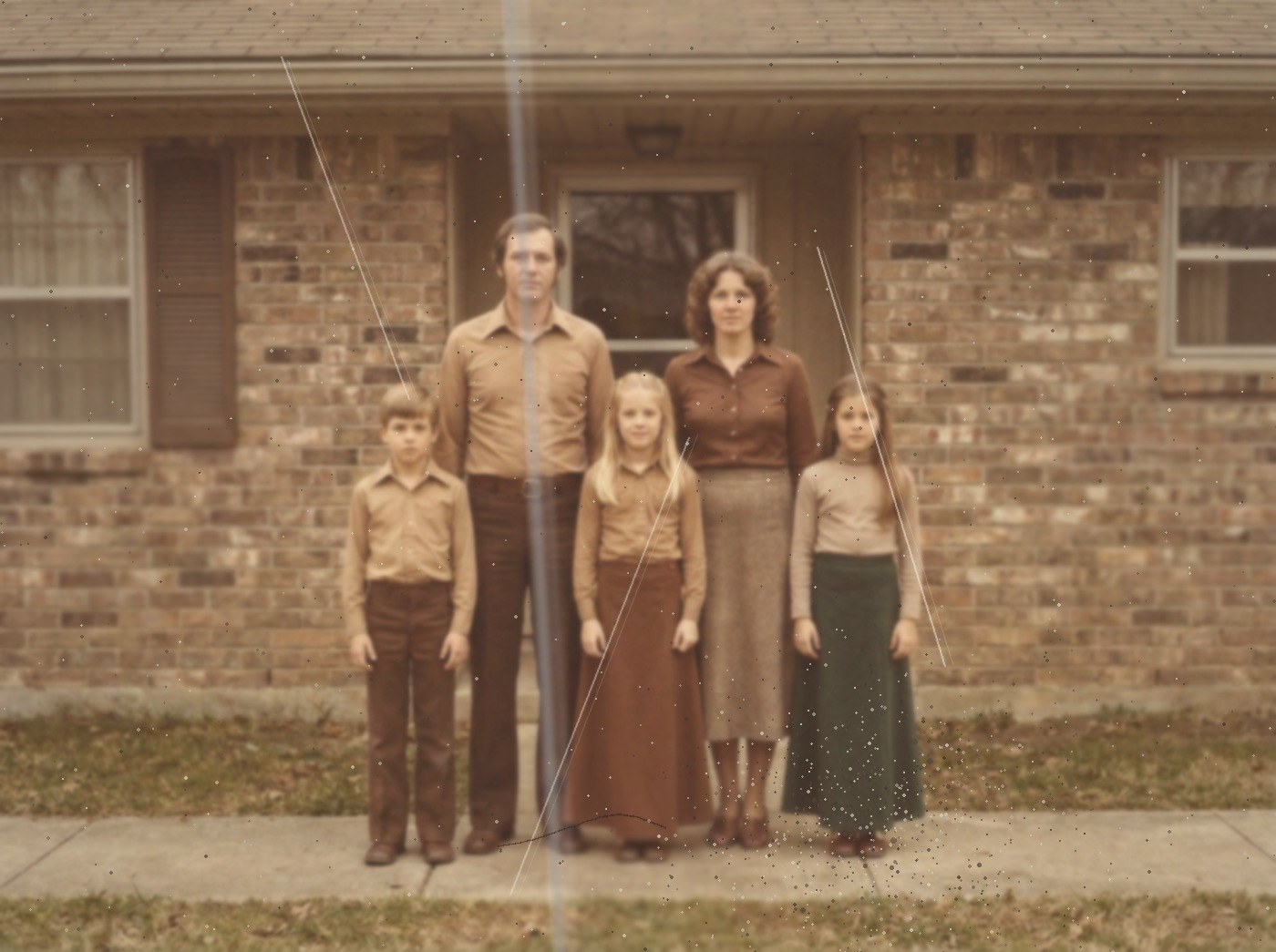
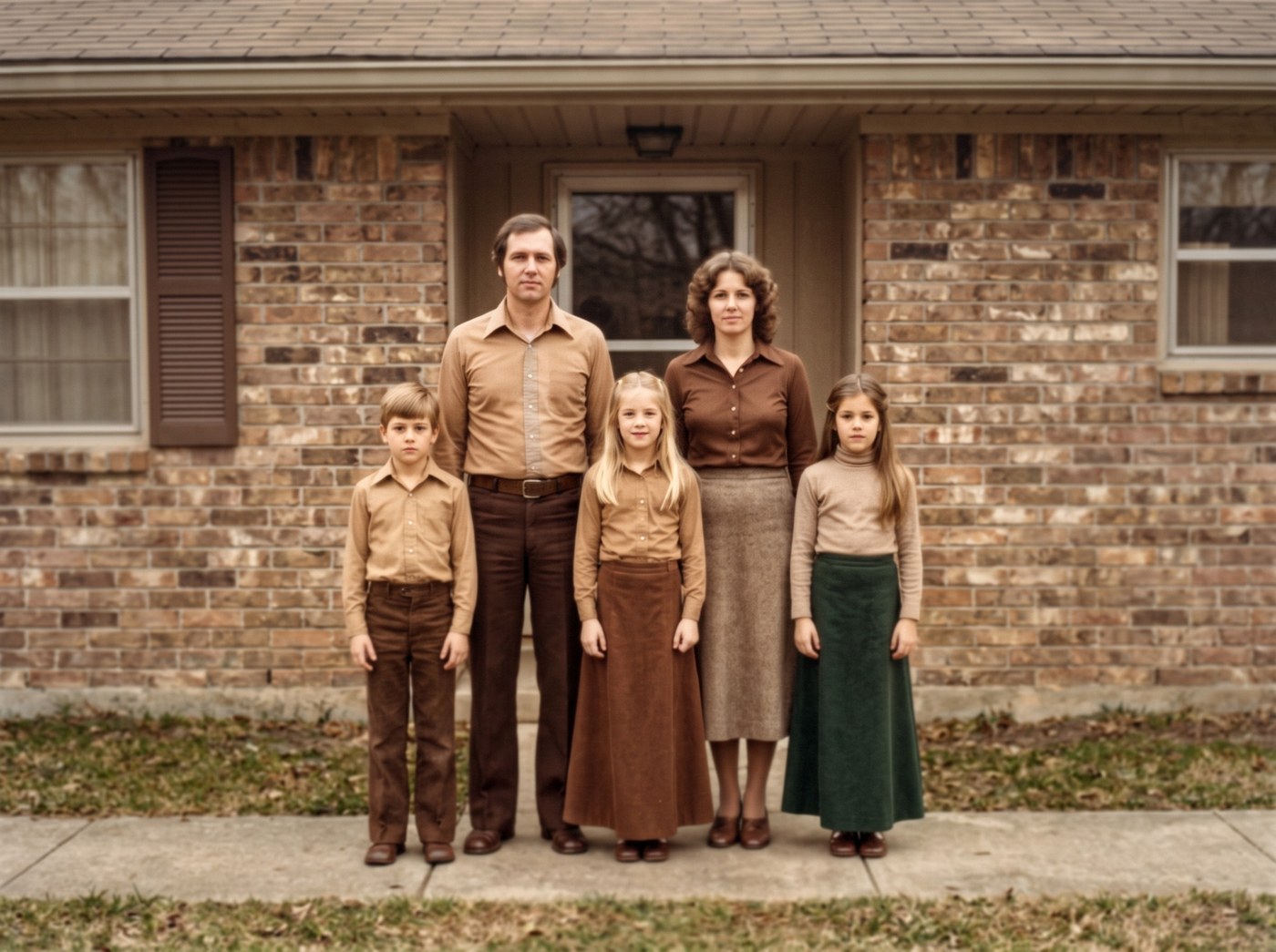
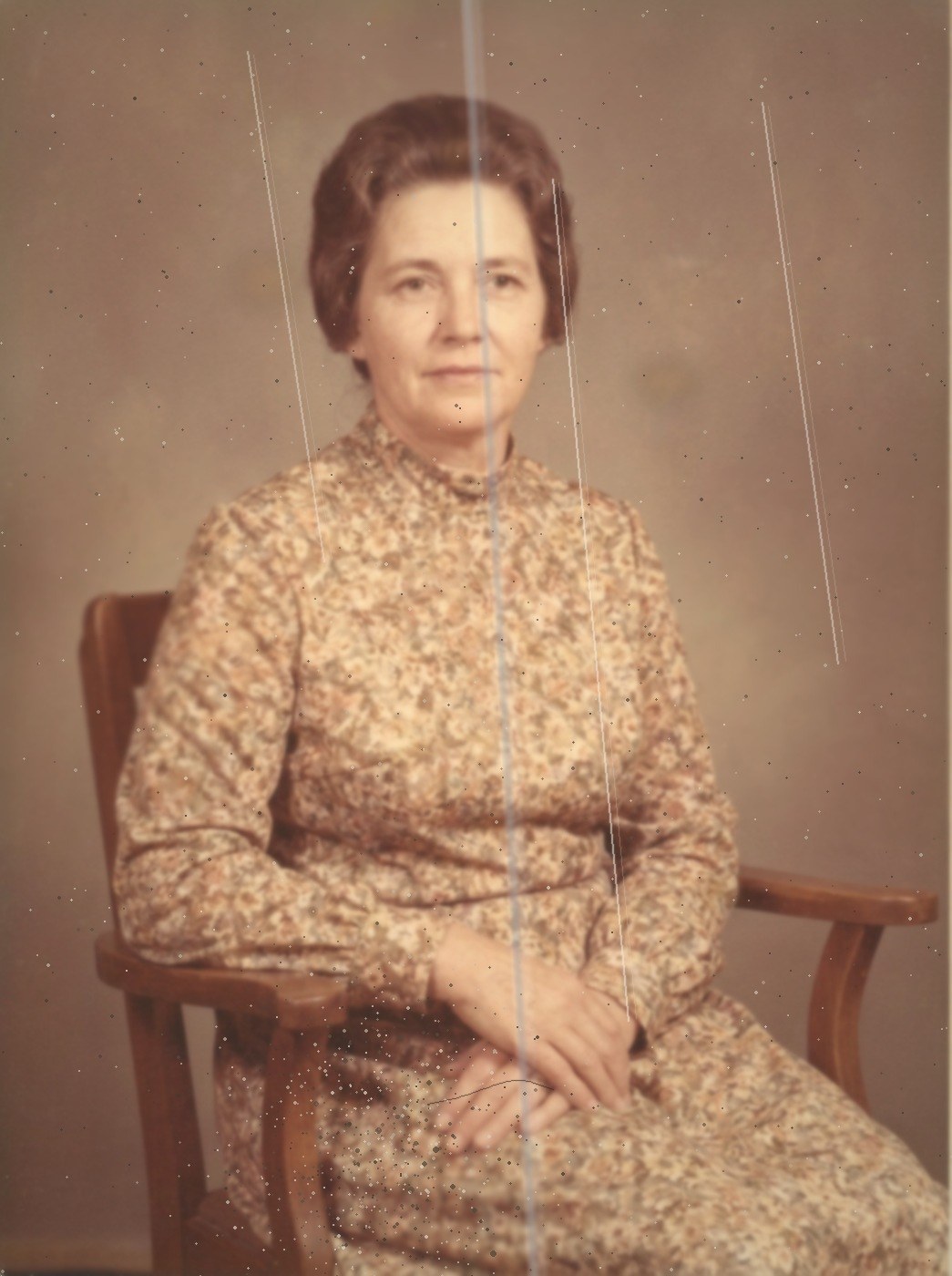
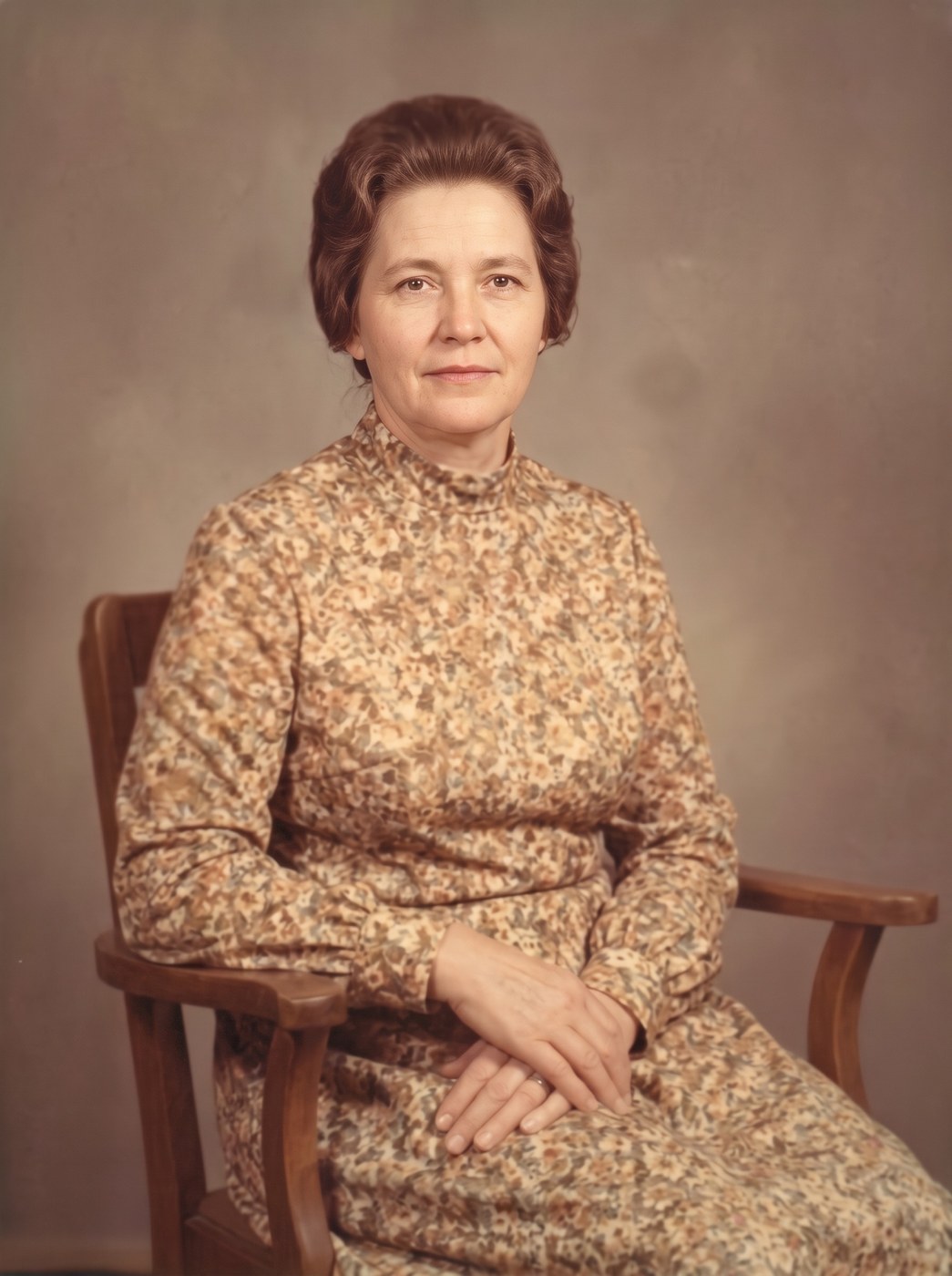
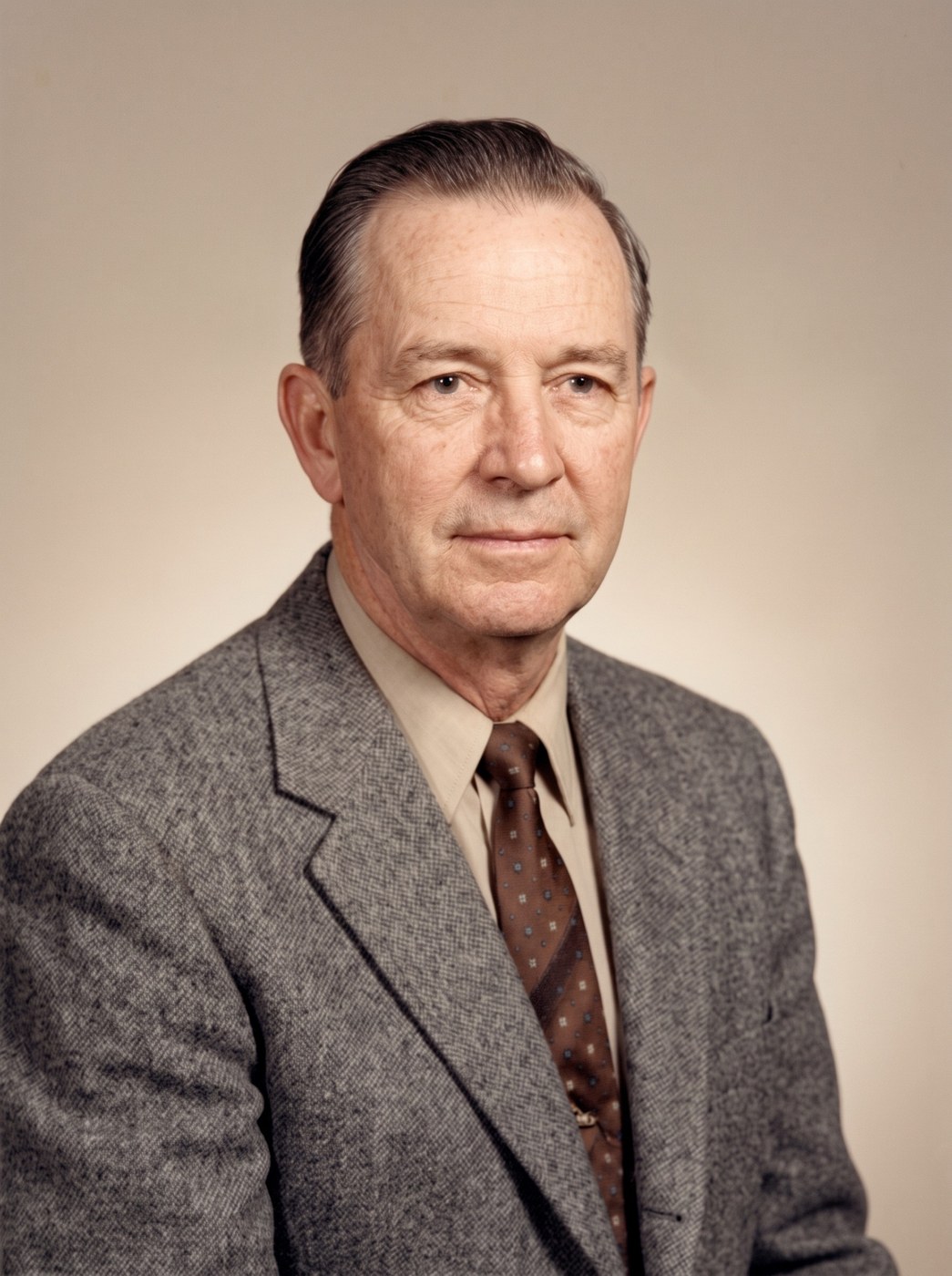
أربع خطوات. لا حاجة إلى أي تعليمات.
- 1
اختر صورة
التقط صورة لصورتك بهاتفك، أو اخترها من حاسوبك. وإن كنت تفضّل إرسالها إلينا، يمكنك إرسالها بالبريد الإلكتروني.
- 2
اختر مدى الإصلاح
خياران: Revive، وهو يُصلح التلف ويُبقي الصورة كما هي، أو Rejuvenate، وهو يُعيد الألوان أيضاً. ولا نتقاضى أي مبلغ في الحالتين.
- 3
نُنظّفها بعناية
نحو 30 ثانية لكل نسخة. ونُخبرك بما نفعله أثناء انتظارك: الفحص، والتنظيف، وإعادة الألوان.
- 4
احفظها، أو أرسلها إلى عائلتك
احفظ الصورة النهائية في هاتفك، أو أبقِها في حسابك، أو أرسلها بالبريد الإلكتروني مباشرة إلى من سيسرّه رؤيتها.
نُعامل صورك على أنها مهمة، لأنها مهمة فعلاً.
لا تُستخدم لتدريب الذكاء الاصطناعي
صورك تُستخدم لغرض واحد: استعادة صورتك. ولا تُستخدم أبداً لتدريب الذكاء الاصطناعي، ولا تُباع ولا تُشارك.
تُحذف بعد 60 يوماً
نُزيل صورك الأصلية والنتائج من خوادمنا بعد 60 يوماً من رفعها. ويمكنك أن تطلب منا حذفها قبل ذلك، في أي وقت.
بدون اشتراك
تشتري الصور عندما تريدها. ولا شيء يُجدَّد تلقائياً ولا شيء ينتهي. ولن نخصم منك أي مبلغ دون أن نسألك أولاً.
أنت تقرّر مدى الإصلاح
استعادة الصور تعتمد على الذكاء الاصطناعي، والذكاء الاصطناعي قد يُغيّر ملامح الوجه إن تُرك دون ضبط. لذلك تختار قوة الإصلاح بنفسك، وترى كل نسخة إلى جانب الأخرى، ونشرح لك بوضوح ما تفعله كل واحدة.
أسئلة يطرحها الناس علينا
كم تُكلِّف استعادة الصورة؟
لا شيء. كل صورة ترسلها تُصلَّح مجاناً وتعود وعلامتنا المائية عليها، ولا حدّ لعدد ما ترسل. النسخة النظيفة، بدون العلامة المائية، تبدأ من $0.99 في حزم، والفيديوهات القصيرة من $2.99. اطّلع على صفحة الأسعار الكاملة. لا يوجد اشتراك ولا تنتهي صلاحية صورك.
هل ستبدو مثل الشخص الذي أتذكّره؟
أنت تقرّر مدى الإصلاح. Revive يُصلح التلف وآثار القِدم ويُبقي الصورة بألوانها وحبيباتها وطابعها الخاص. وRejuvenate يُعيد الألوان أيضاً ويُنهي الصورة بنقاء. ترى النتيجة قبل أن تقرّر شيئاً، والقرار قرارك.
ماذا لو لم تُعجبني النتيجة؟
إذن لم تخسر شيئاً، لأن الإصلاح لم يُكلّفك شيئاً. وإن كانت النتيجة خاطئة، أو تغيّرت ملامح وجه، فأخبرنا وسنُعيد العمل دون مقابل، مهما تطلب الأمر.
ماذا يحدث لصوري بعد ذلك؟
تُستخدم لاستعادتها فقط، ولا تُستخدم أبداً لتدريب الذكاء الاصطناعي، ولا تُشارك، وتُحذف من خوادمنا بعد 60 يوماً. ويمكنك أن تطلب منا حذفها فوراً.
هل أحتاج إلى أي معرفة بالحاسوب؟
لا. تلتقط صورة لصورتك بهاتفك، أو تختارها من جهازك، وتضغط زراً واحداً كبيراً. هذا كل ما في الأمر.
هل يمكنني الحصول على صورة مطبوعة؟
ليس بعد. قريباً. في الوقت الحالي تحفظ الصورة المُستعادة في هاتفك أو حاسوبك وتطبعها حيث تشاء، وبأي حجم.